How Farm Management Software Helps Track Farm Expenses
Farm expenses can accumulate across dozens of activities, from land preparation and planting to fertilizer application, irrigation, labour, machinery, transportation, livestock feeding, repairs and harvesting. When these expenses are recorded inconsistently, it becomes difficult for a farm manager to determine how much was actually spent, where the money went and which production activities are consuming the most resources.
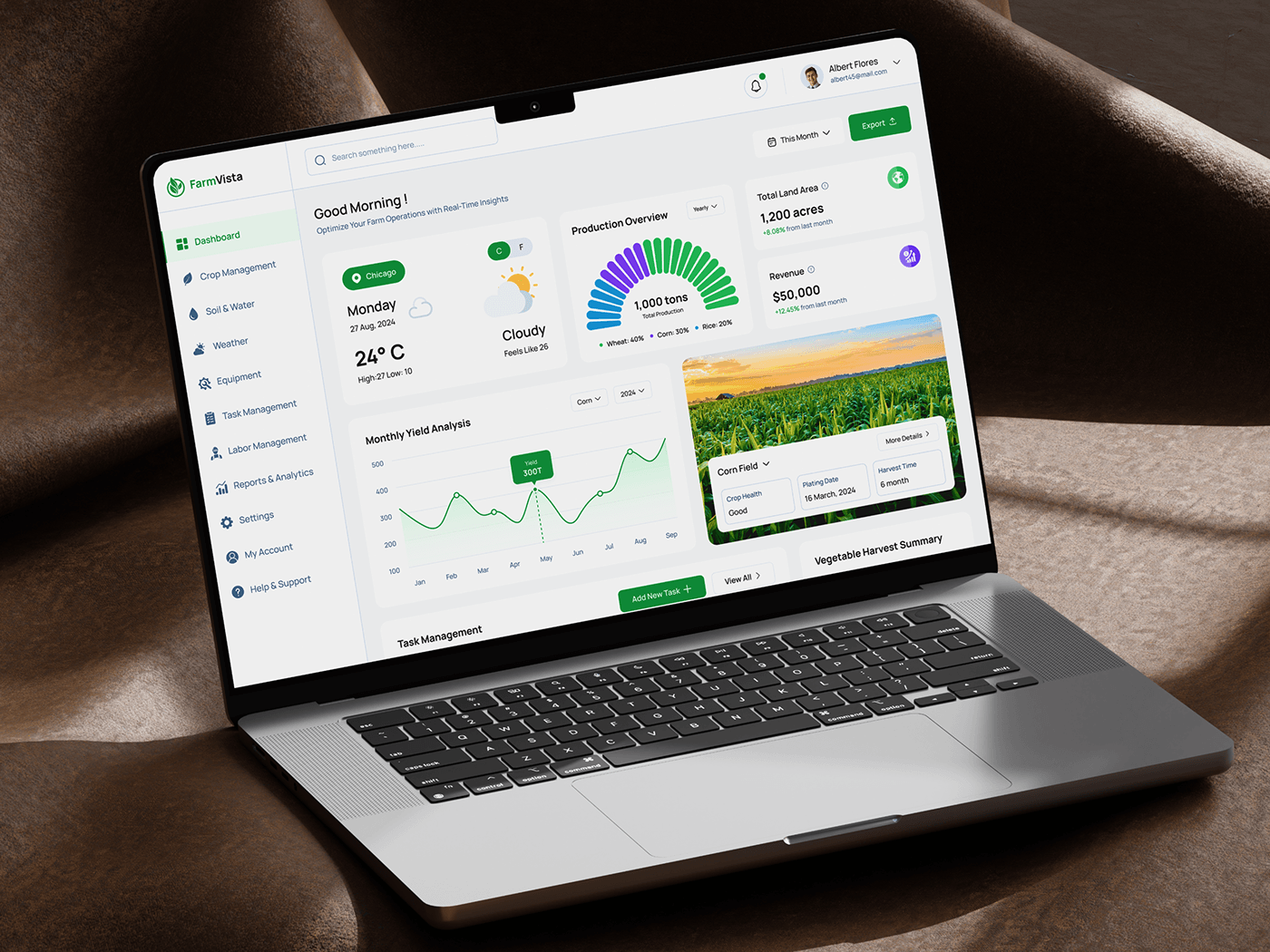
Farm management software provides a structured way to capture and organize this financial information alongside production records. Modern Farm Management Information Systems, commonly called FMIS, have evolved from basic farm recordkeeping tools into broader systems that can support financial, crop, field, labour, machinery and operational management.
For a commercial farm, the value of expense tracking is not simply having a digital list of payments. The greater value comes from connecting expenses to the farm activities, fields, crops, livestock enterprises or machinery operations that generated those costs.
A useful expense tracking system should capture enough information to explain each transaction.
Important fields can include:
| Data field | Why it matters |
|---|---|
| Date | Establishes when the expense occurred |
| Supplier | Identifies the source of the purchase |
| Expense category | Groups similar expenses |
| Amount | Records financial value |
| Quantity | Helps track physical inputs |
| Unit price | Allows price analysis |
| Payment method | Supports cash-flow records |
| Field or enterprise | Connects the expense to production |
| Crop or livestock group | Supports enterprise costing |
| Activity | Shows what the expenditure was used for |
| Receipt or document | Supports verification |
| Staff member | Identifies who recorded or authorized it |
The exact fields will depend on the farm’s size and accounting practices.
When evaluating farm management software, farmers should examine whether the system supports the financial workflow they actually use.
| Feature | Practical purpose |
|---|---|
| Expense recording | Captures farm purchases and payments |
| Expense categories | Organizes different types of costs |
| Crop and field allocation | Connects costs to production |
| Inventory integration | Connects purchases with stock levels |
| Labour records | Tracks workforce-related costs |
| Machinery records | Tracks equipment-related expenses |
| Budgeting | Helps establish planned expenditure |
| Budget versus actual | Shows differences between plans and spending |
| Reporting | Converts records into management information |
| Mobile access | Allows recording away from the office |
| Offline mode | Supports farms with unreliable connectivity |
| Accounting integration | Reduces duplicate financial data entry |
| User permissions | Controls who can enter or modify information |
| Data export | Helps preserve access to farm records |
The right feature set depends on the farm’s size, production system, staffing structure and existing financial processes.
Farm Management Software and Expense Tracking in Nigeria
For Nigerian farms, software selection should account for practical operating conditions rather than simply choosing a system with the largest number of features.
Farm managers may need to consider mobile access, offline functionality, local currency support, staff training, connectivity, technical support, payment workflows and compatibility with existing accounting practices.
Imported software may contain useful functionality but still require adaptation to the farm’s local operating environment.
A commercial farm should also determine how the software handles multiple enterprises, different production locations, local suppliers, labour arrangements and farm-specific expense categories.
Final Takeaway
Farm management software helps track farm expenses by bringing financial records and production information into a structured system.
Instead of maintaining a simple list of payments, farmers can organize expenses by category and, where the software supports it, connect those expenses to fields, crops, livestock enterprises, labour, machinery and farm activities.
This creates a clearer picture of where farm money is being spent and provides information that can support budgeting, cost analysis, cash-flow planning and profitability assessment.
The most important step is not buying the most sophisticated software. It is establishing a reliable process for recording accurate financial and operational information. Once that foundation is in place, farm management software can turn expense records into useful management information.
Frequently Asked Questions
What is farm expense tracking?
Farm expense tracking is the process of recording and organizing money spent on farm activities such as inputs, labour, machinery, irrigation, transportation, livestock and maintenance.
How does farm management software track expenses?
Farm management software can record transactions and organize them by categories such as inputs, labour, machinery and transportation. Some systems can also associate expenses with specific crops, fields, enterprises or activities.
Can farm management software calculate the cost of producing a crop?
Yes, systems that support enterprise or field-level cost allocation can help organize expenses associated with a particular crop or production cycle. The accuracy of the resulting cost calculation depends on how completely and consistently the farm records its expenses.
Can farm management software track labour expenses?
Many farm management systems include labour management features. Depending on the software, labour hours, workers, activities and associated costs can be recorded and linked to farm operations.
Can farm management software track machinery costs?
Yes. Depending on the system, machinery records can include fuel, repairs, maintenance, operating hours, equipment hire and other related expenses.
Does farm management software replace accounting software?
Not necessarily. Farm management software and accounting software serve overlapping but different purposes. Some platforms integrate financial accounting with farm operational records, while others need to exchange data with separate accounting systems.
Can farmers use farm management software without reliable internet?
It depends on the software. Some applications provide offline functionality that allows information to be entered without continuous internet access and synchronized later.
Does farm management software automatically reduce farm costs?
No. Software primarily improves the collection, organization and analysis of information. Any reduction in costs depends on the management decisions made after identifying unnecessary expenditure, inefficiencies or changes in production costs.